
Unlock the Power of AI: Mastering Microsoft Copilot Prompts
Imagine having a digital assistant that doesn’t just follow instructions, but thinks, organizes, writes, analyzes, and even plans ahead for you. That’s exactly what Microsoft 365 Copilot brings to your workflow.
But here’s the real secret:
👉 Copilot is only as powerful as the prompts you give it.
Welcome to the world of Copilot Prompts, where simple instructions turn into extraordinary productivity.
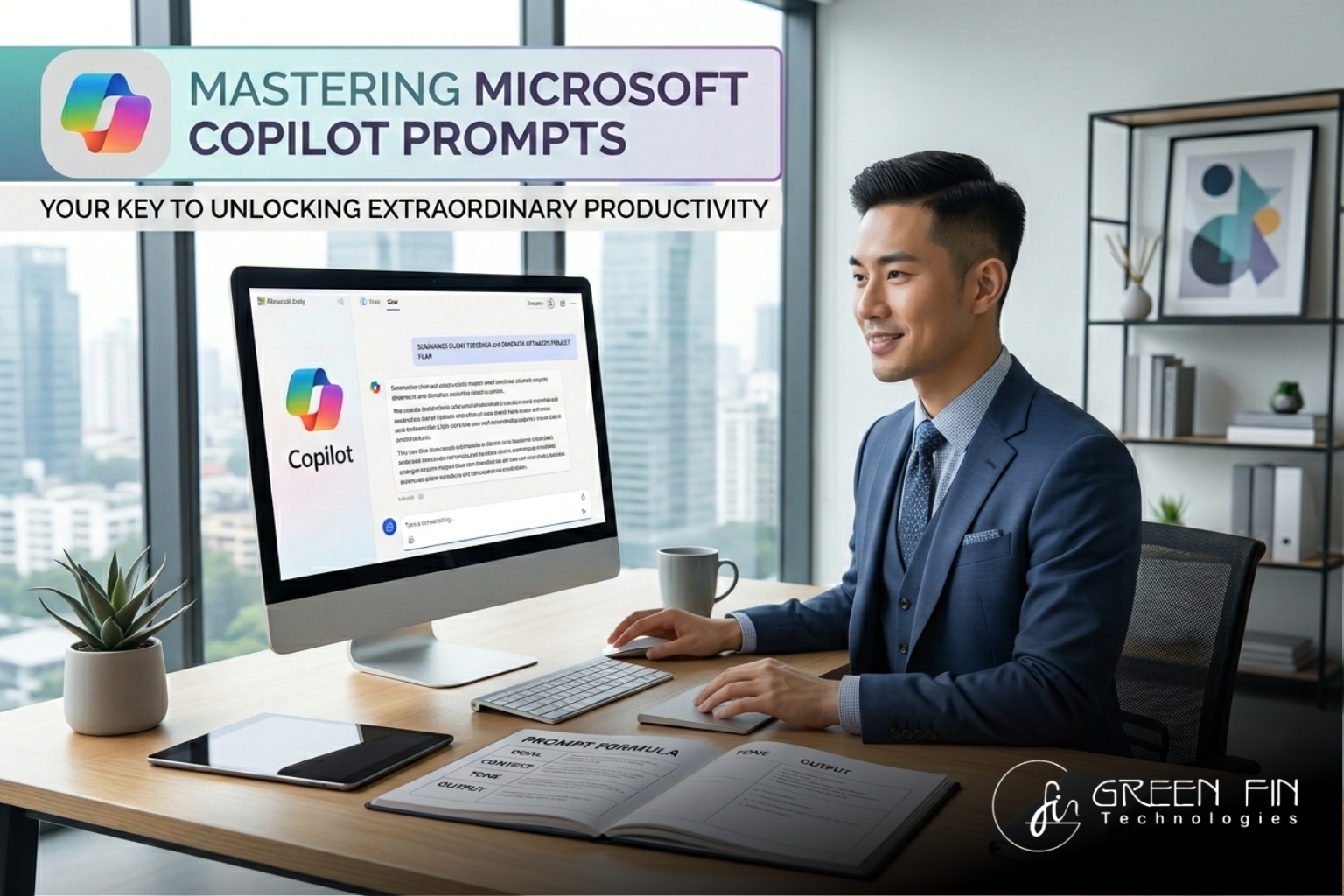
💡 What Are Copilot Prompts?
At their core, Copilot prompts are instructions or questions you give to AI to perform tasks-whether it’s writing emails, analyzing data, or planning your next big project.
Think of them as your conversation with AI.
The clearer your intent, the smarter the result.
🎯 From Chaos to Clarity: Why Prompts Matter
Most people use AI like a search engine.
Top performers use it like a strategic partner.
With the right prompt, you can:
- 📩 Turn messy emails into actionable summaries
- 📊 Analyze business data in seconds
- 📝 Write professional content effortlessly
- 📅 Organize meetings, schedules, and priorities
In fact, tools like Copilot are already helping professionals save time and boost productivity in everyday tasks like email drafting and document creation.
⚡ The Magic Categories of Copilot Prompts
Microsoft organizes prompts into powerful workflows that match real-world needs.
🔍 Catch Up Faster
Missed a meeting? No problem.
Copilot can summarize everything-decisions, action items, and next steps-in seconds.
👉 Example:
“Help me catch up on what I missed in recent meetings.”
✍️ Write Like a Pro
No more struggling with emails or reports.
Copilot helps you write clearly, confidently, and professionally.
👉 Example:
“Help me craft a clear and compelling email to a client.”
📈 Analyze Like an Expert
Turn raw data into meaningful insights.
👉 Example:
“Analyze my project status and highlight risks and opportunities.”
🧠 Understand the Complex
Break down technical jargon or complicated ideas into simple explanations.
👉 Example:
“Explain this concept in simple terms with examples.”
🎯 Plan & Execute
From strategy to action, Copilot helps you plan and execute efficiently.
👉 Example:
“Create a detailed project plan with timeline and milestones.”
💻 Code & Build Faster
Developers can generate, improve, or translate code instantly.
👉 Example:
“Write optimized code with best practices and documentation.”
🧩 The Formula of a Perfect Prompt
Want better results? Use this simple structure:
1. Goal – What do you want?
2. Context – What should Copilot know?
3. Tone/Style – Formal, casual, persuasive?
4. Output – Format (list, email, report)
👉 Example:
“Create a professional project update email (goal) for my manager (context) in a concise tone (style) with bullet points (output).”
🚀 Beyond Automation: AI as Your Co-Worker
Copilot is evolving beyond simple responses.
With advancements like multi-model AI collaboration, it’s becoming a true digital co-worker capable of handling complex, multi-step tasks.
This means:
- Less manual work
- Smarter decision-making
- Faster execution
⚠️ A Smart Reminder
AI is powerful-but not perfect.
- Always review outputs
- Avoid sensitive data in prompts
- Use your judgment
Copilot assists-but you lead.
🌟 Final Thoughts: Your Prompt Is Your Power
The future of work isn’t just about using AI,
it’s about communicating with it effectively.
Every prompt you write is an opportunity to:
- Save time
- Work smarter
- Think bigger
So next time you open Copilot, don’t just type something simple…
👉 Ask smarter. Prompt better. Achieve more.